


|
Name |
PC Mirror |
|---|---|
|
Google Play Link |
GET IT ON
Google Play
|
|
Category |
Tools |
|
Developer |
Apowersoft |
| Last version | 1.8.34 |
|
Updated |
|
|
Compatible with |
Android 5.0+ |
What is PC Mirror APK?
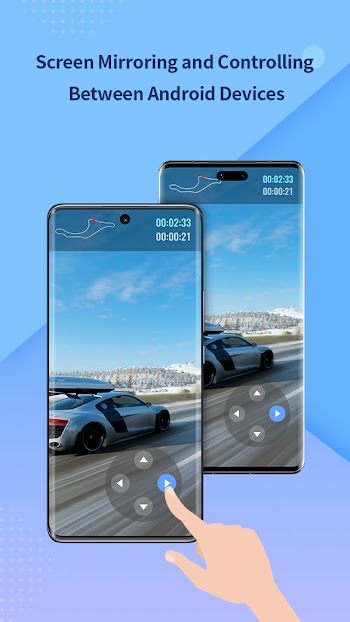
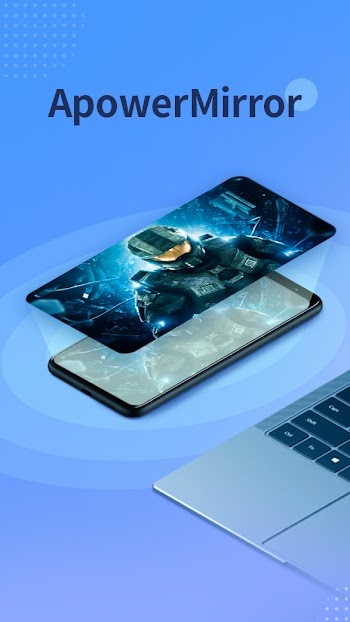
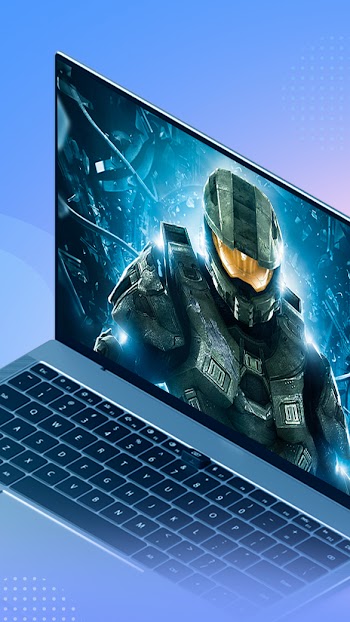
PC Mirror is a lightweight screen casting tool designed for Android users who need a simple way to share their phone’s display with larger devices like PCs, macOS systems, or Smart TVs. It eliminates the need for tangled wires and extra hardware by offering a fully wireless experience. Users can easily connect their Android screen to another device using Wi-Fi, which makes it especially useful in both casual and professional settings.
This app is mostly used for sharing media, streaming gameplay, delivering presentations, or simply controlling your Android device from a computer screen. The connection is fast and consistent when Wi-Fi is strong, and the interface is clean, with no complicated steps involved. Anyone can figure it out in just a few taps.
One of the most helpful features is its low-latency design. This means the content you're mirroring shows up on the other screen almost immediately. That’s a big plus for gamers or remote workers who rely on quick responses. Combined with HD video and audio support, it creates a crisp viewing experience without lag or weird delays.
Users also get solid cross-platform support. Whether you're working on Windows, macOS, or watching something on a Smart TV, PC Mirror plays nice across devices. There's no need for converters or special cables. Just install the app, link your devices over Wi-Fi, and you're good to go.
That said, the app isn’t perfect. The biggest issue pops up when Wi-Fi isn't stable. If the signal is weak, you might see lag or connection drops. It also doesn't include a ton of advanced features, which could be a drawback for tech-heavy users who want more controls or integrations.
PC Mirror works well for casual users who want to watch movies or play mobile games on a bigger screen, as well as for professionals who regularly present or demo mobile apps. It's also handy for anyone teaching or troubleshooting over a shared screen. Basically, if you’ve got an Android phone and a decent Wi-Fi network, this app simplifies how you mirror and share your screen.
FAQs PC Mirror
What is PC Mirror?
+
PC Mirror is a wireless Android app that lets you mirror your phone screen to a PC, Mac, or Smart TV over Wi-Fi, with no cables or extra gear.
Does PC Mirror work with all Android devices?
+
Most Android phones running modern OS versions can use PC Mirror, as long as they support screen casting and connect to the same Wi-Fi network.
Is PC Mirror free to use?
+
Yes, the PC Mirror APK is available for free. It offers essential features without charging, but may not include premium options found in paid apps.
Can I control my Android phone from my PC using PC Mirror?
+
Yes, PC Mirror allows remote control from your computer once connected, which is useful for presentations or accessing mobile apps on a larger screen.
Why is my PC Mirror connection lagging or dropping?
+
If you're seeing delays or disconnections, it's usually due to unstable Wi-Fi. Try reconnecting both devices to a stronger signal for smoother mirroring.
Discover More Interesting Apps
-

AdGuard VPN
v2.16.65
48.00 Mb
Updated -
JN TUNNEL
v2.8
30.48 Mb
Updated -
Cast to TV
v14.6.2
41.00 Mb
Updated -
Mod
GG Mouse Pro
v3.1.9
29.55 Mb
Updated -
Mod
Djezzy
v3.0.6
30.41 Mb
Updated -
Mod
Popup Widget
v4.0.3
2.00 Mb
Updated -
HaloVPN
v19.2.2
90.08 Mb
Updated -
Matadhikar
v1.5.10
25.53 Mb
Updated -
Anna Lottery
v9.4.2
50.38 Mb
Updated -
ScreenCast
v7.4
24.38 Mb
Updated







Share Your Thoughts